Welcome to THE LATEST SCOOP®
After 35 years in print, we have moved online with a full color digital edition. We hope you like the new look and features. We were not able to continue printing a hard copy due to increasing production, printing and mailing costs so made the change to a digital edition so we could continue bringing you the auto-related events you want to know about.
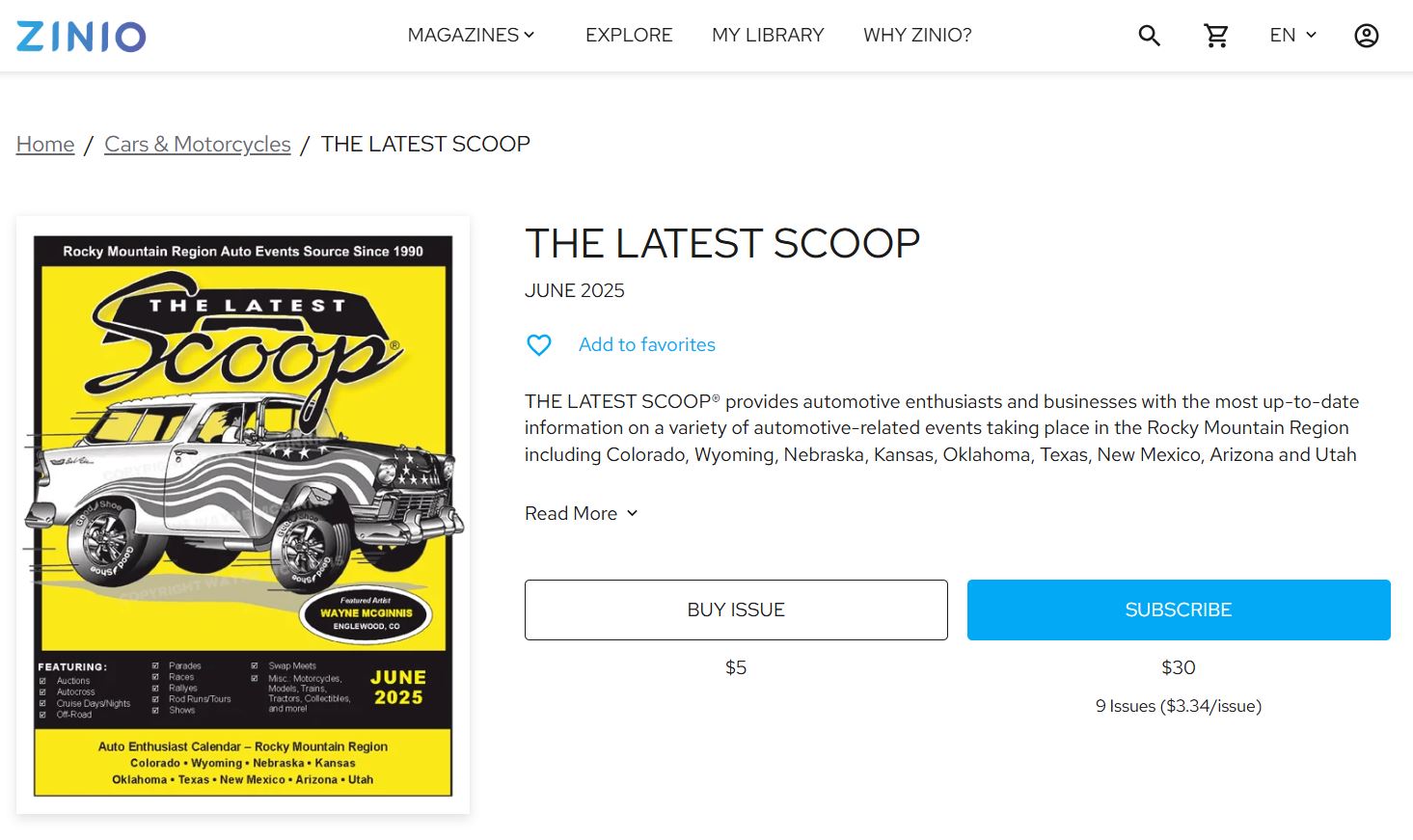
If this is your first time checking out the magazine, you now have the option to purchase a single issue. If you know this is the information you’d like to receive, you also have the option to subscribe to all nine issues a year. We publish monthly during the spring through summer months which are the MAY, JUNE, JULY, AUGUST, SEPTEMBER and OCTOBER issues and then go to double issues for the more wintery months which are the NOVEMBER/DECEMBER, JANUARY/FEBRUARY, and MARCH/APRIL issues. Each issue contains about three months worth of events so you can plan ahead and also pre-register for events that fill up fast or have limited space availability.
If you don’t know our history, check out our “About Us” Page.
You can find the digital edition of THE LATEST SCOOP® at the magazine platform ZINIO.com. They host most of the major magazines you can think of including National Geographic and Time magazines.
Below are steps to create your account with ZINIO to view the THE LATEST SCOOP®
As always, thanks for your support!
How to create a ZINIO account to view THE LATEST SCOOP®
If you are brand new or let your print subscription of THE LATEST SCOOP® expire, you’ll need to create an account. Here’s how to create an account on ZINIO to view the digital version of THE LATEST SCOOP®
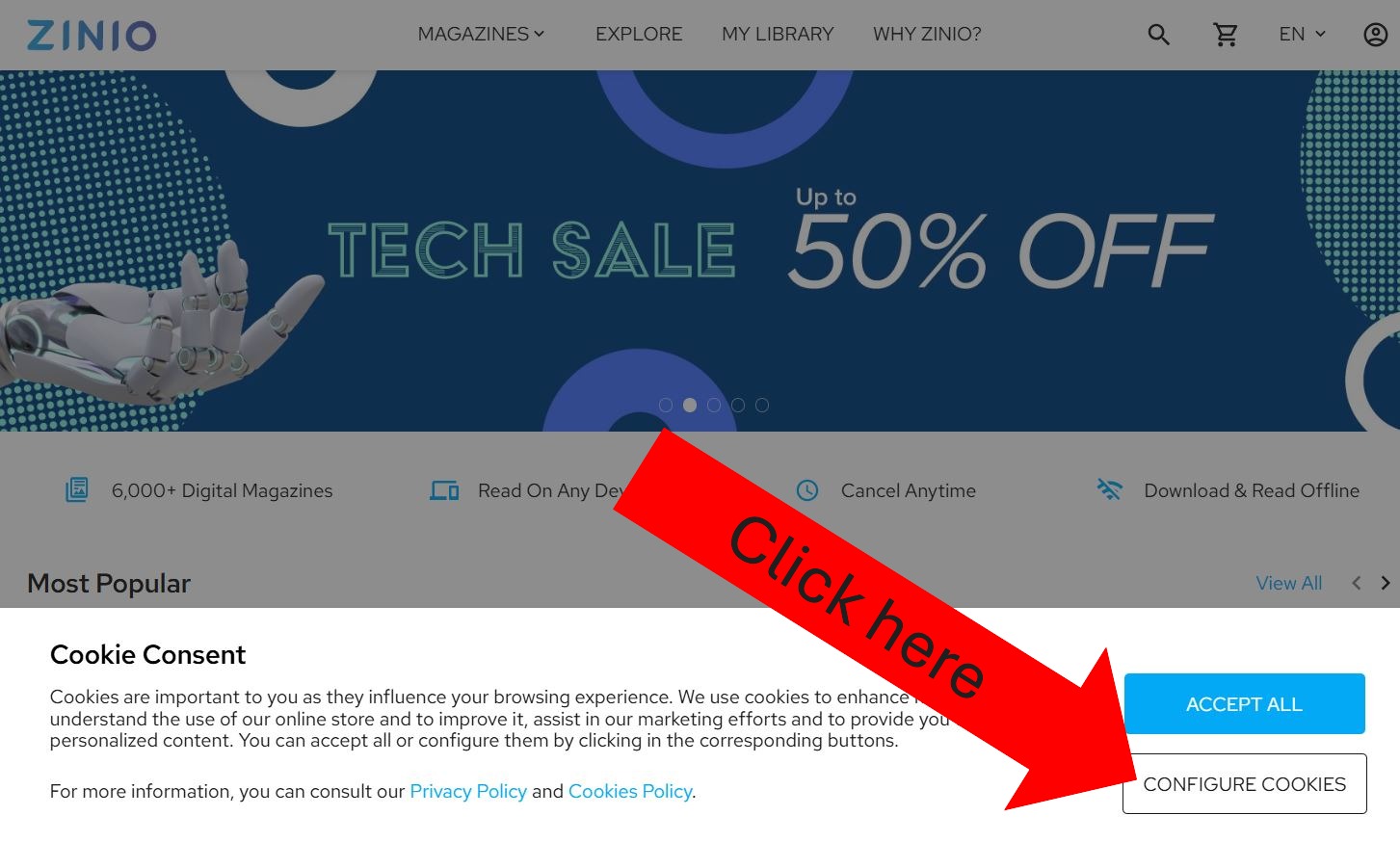
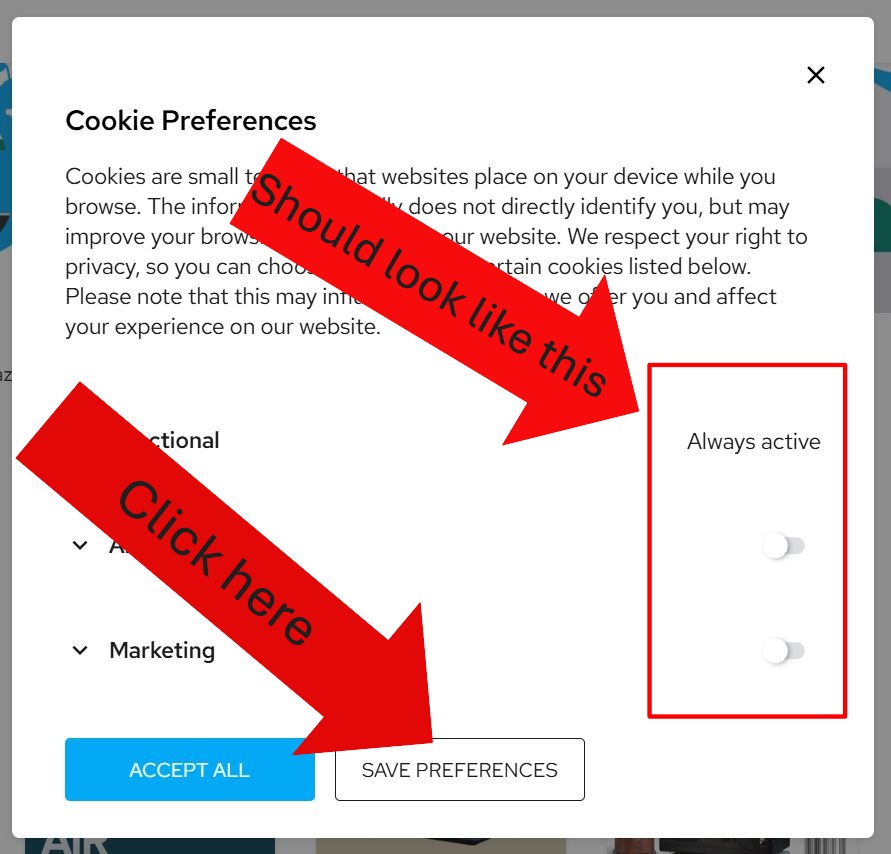
2. A cookie consent might pop up. Cookies help the website work on your computer. Click “Configure Cookies”
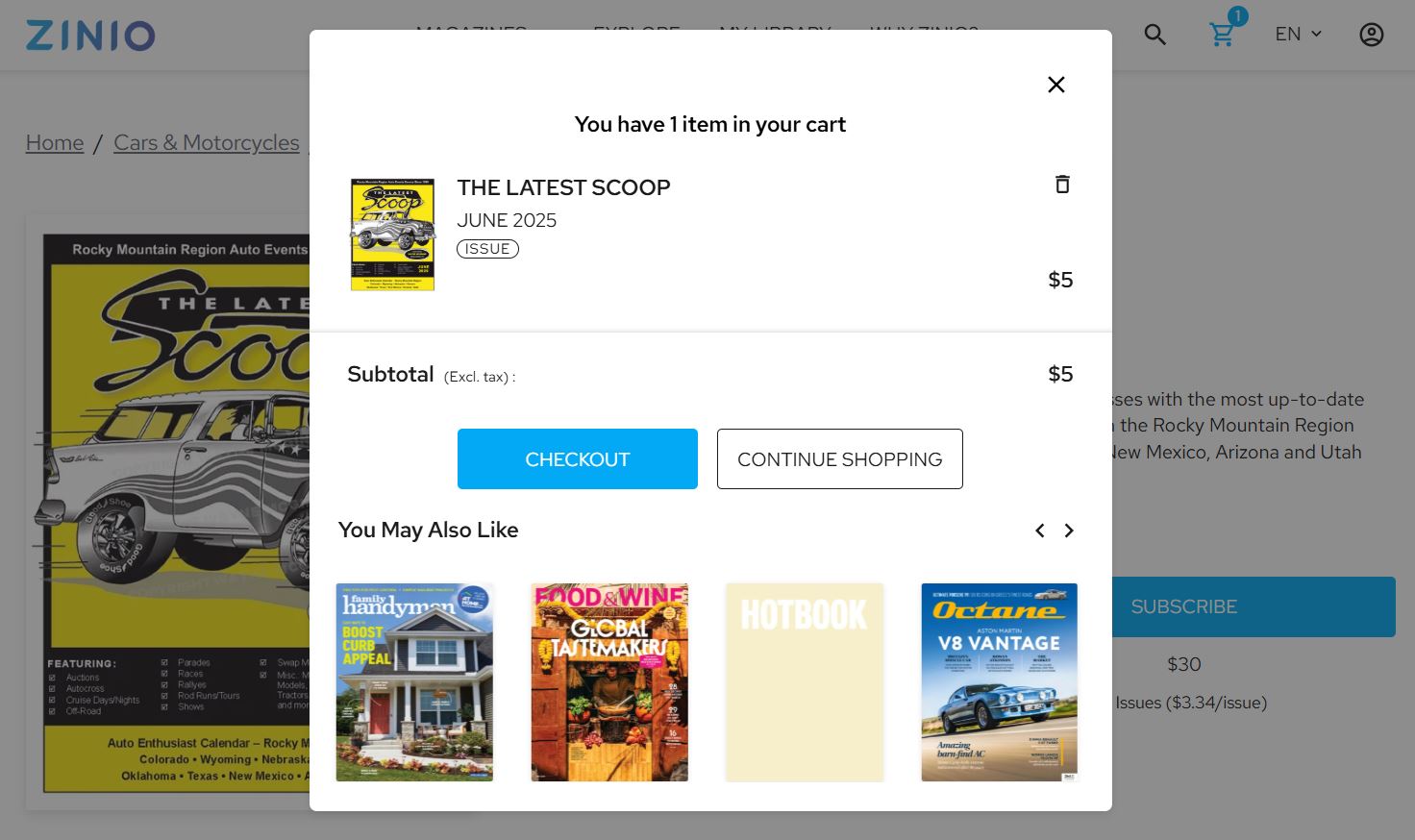
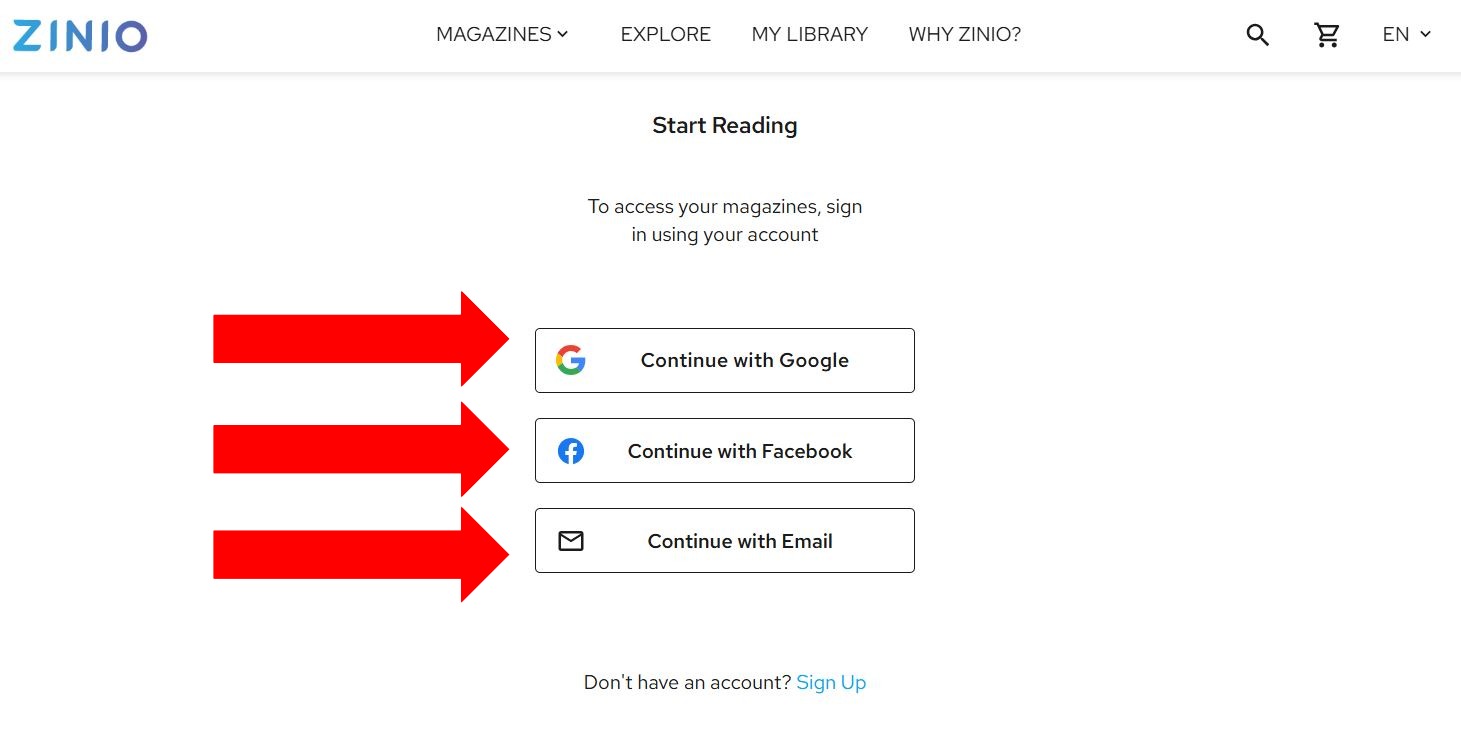
6. Click on the “Sign up” option you want to use
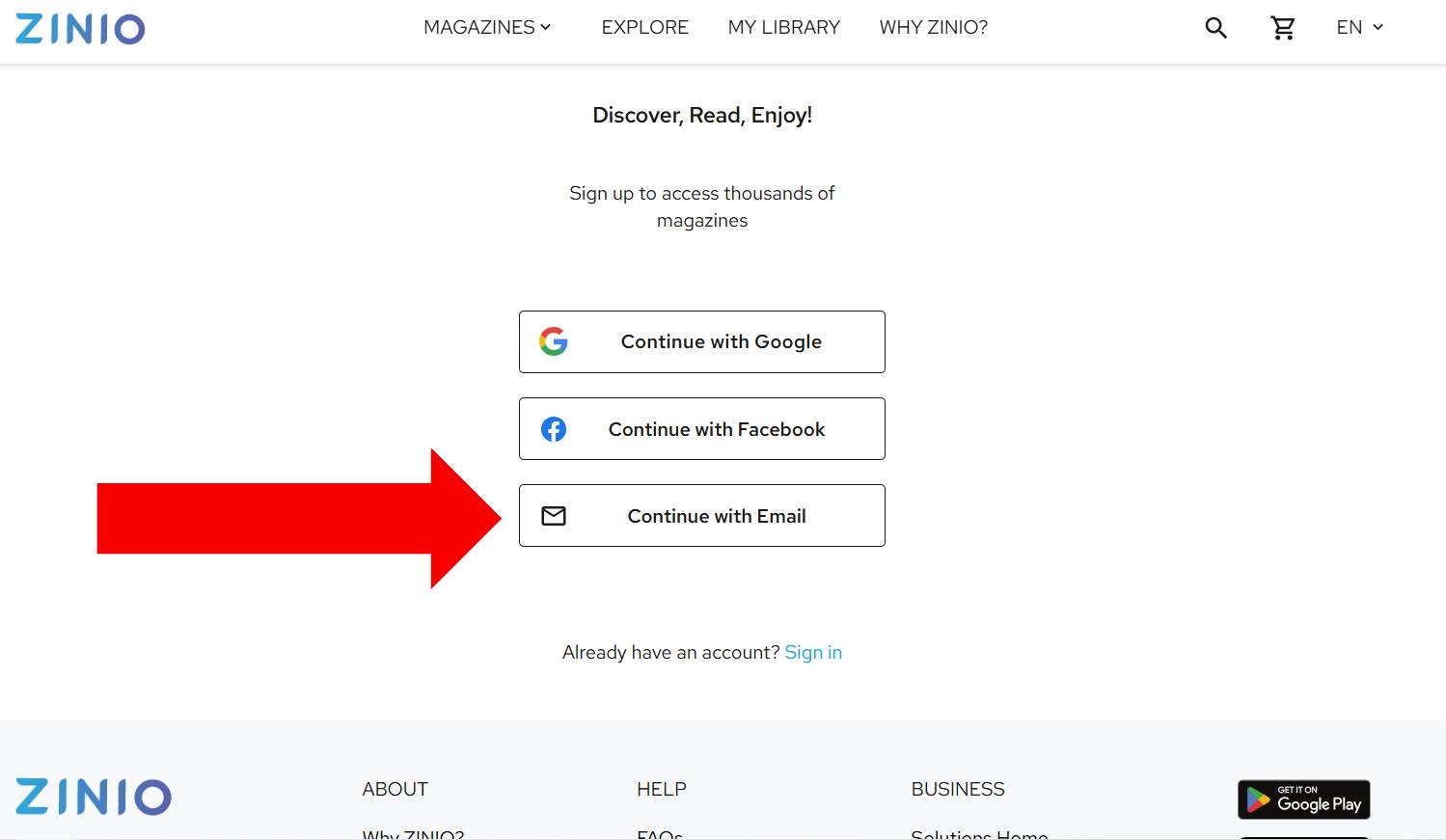
7. The simplest way is to click “Continue with Email”
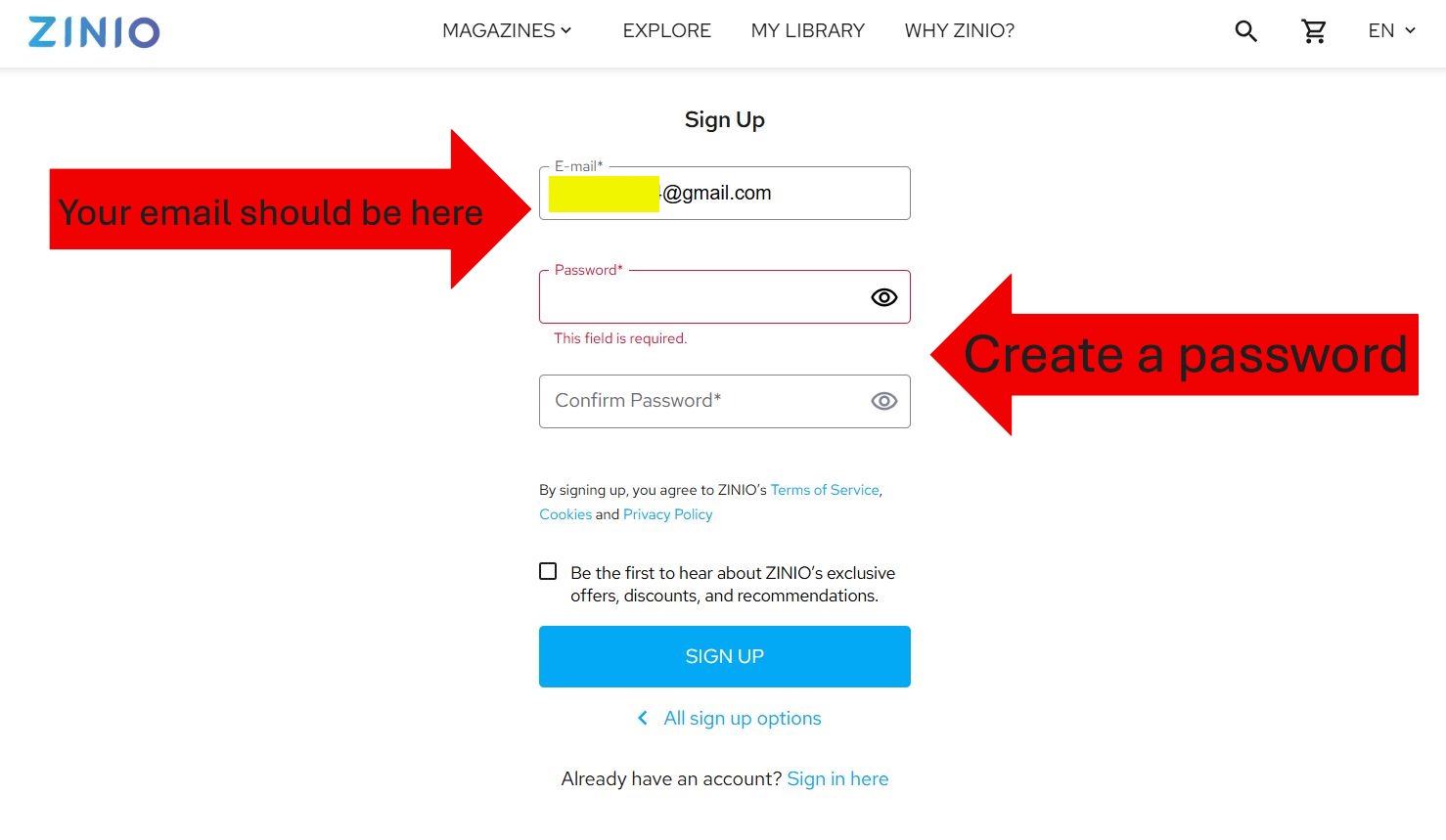
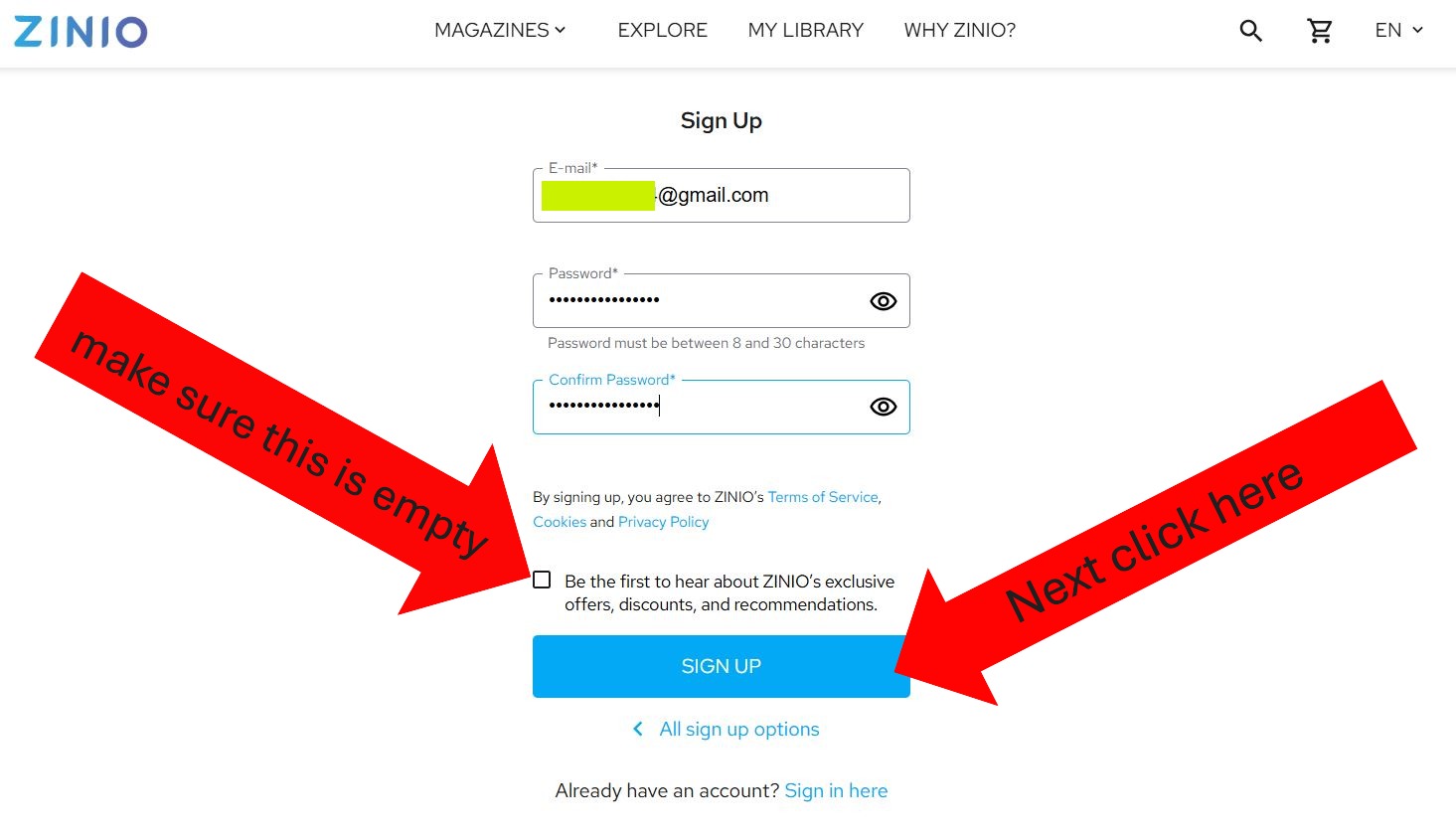
10. Go to your email and look for an email that looks like this
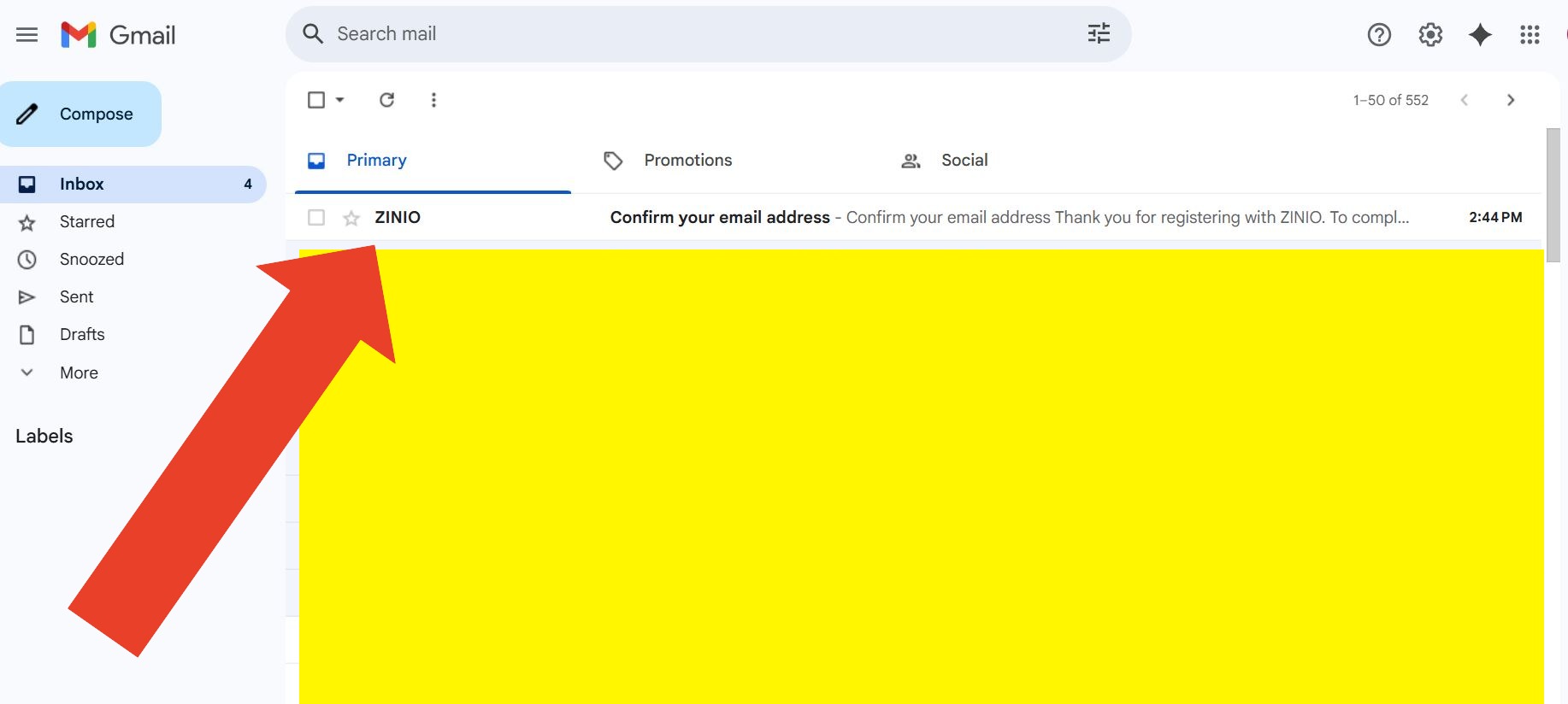
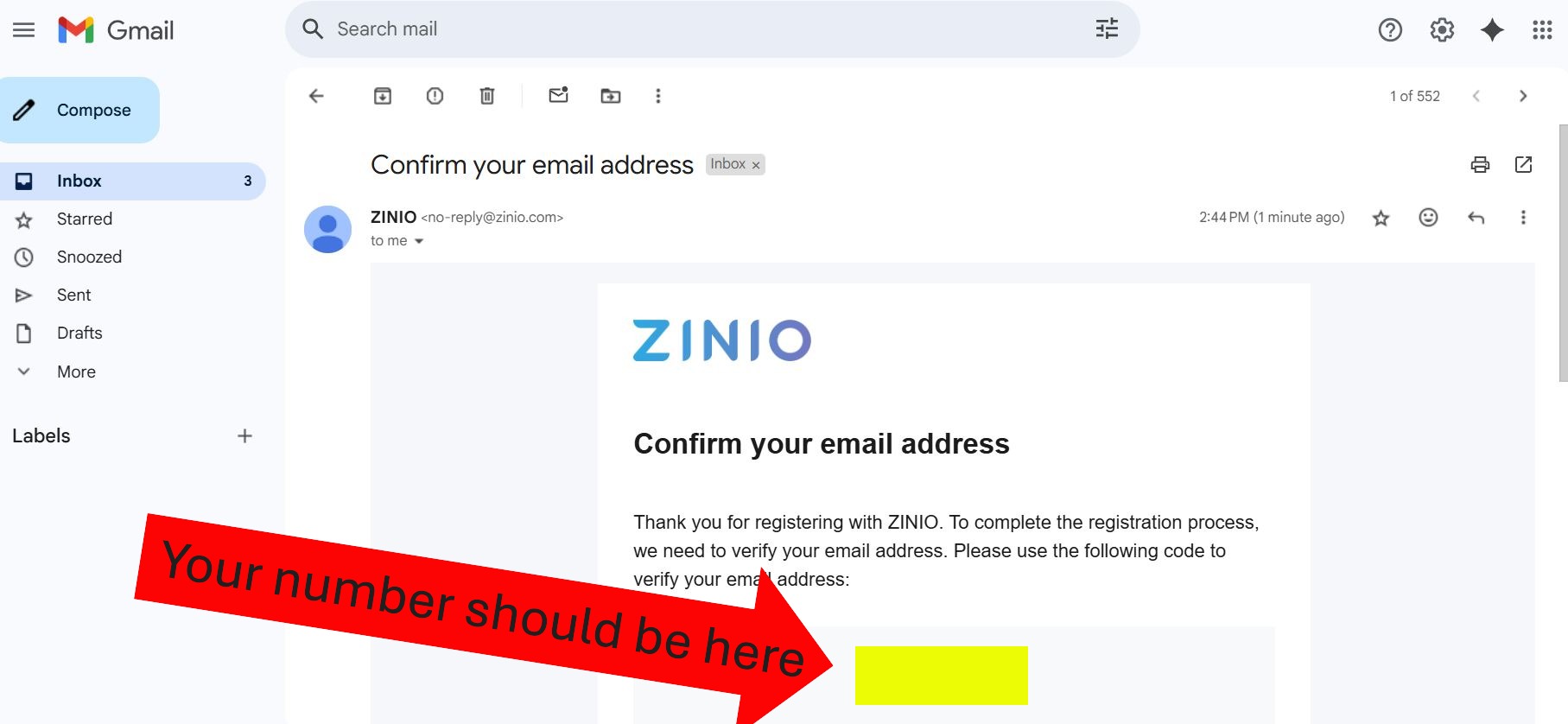
11. Write down your verification code. Go back to ZINIO
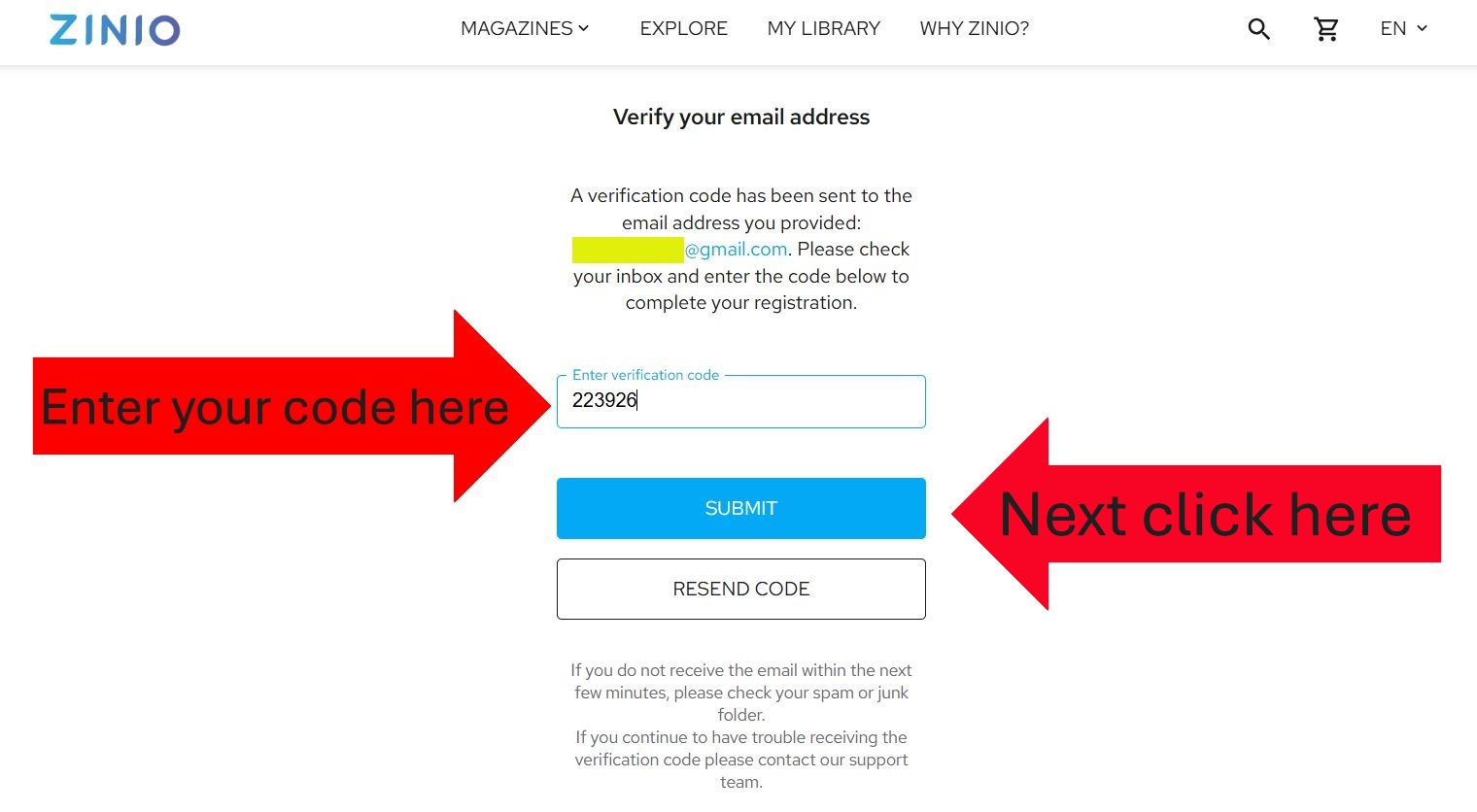
12. Enter your verification code. Click “Submit”
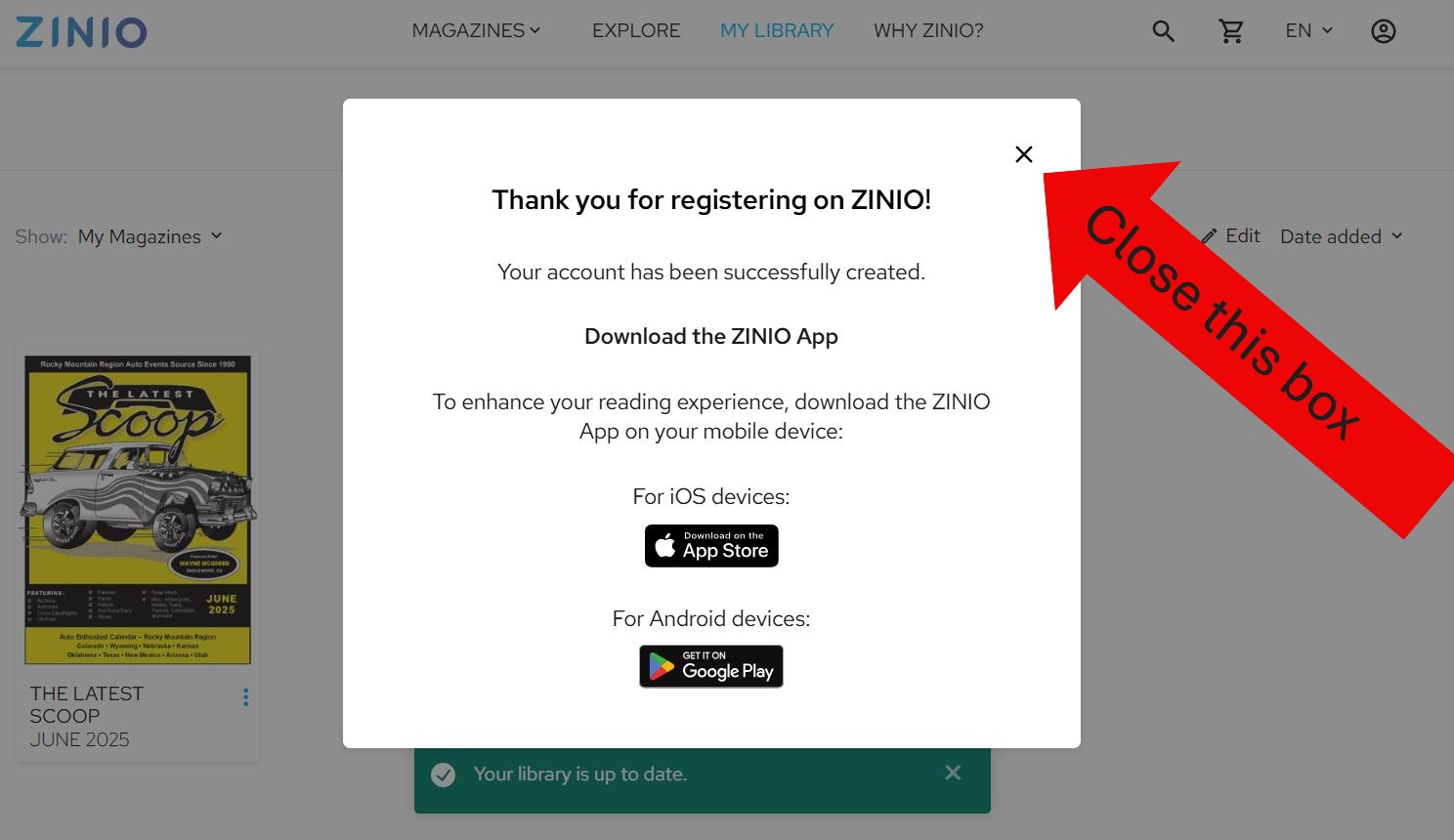
13. Close the box that pops up
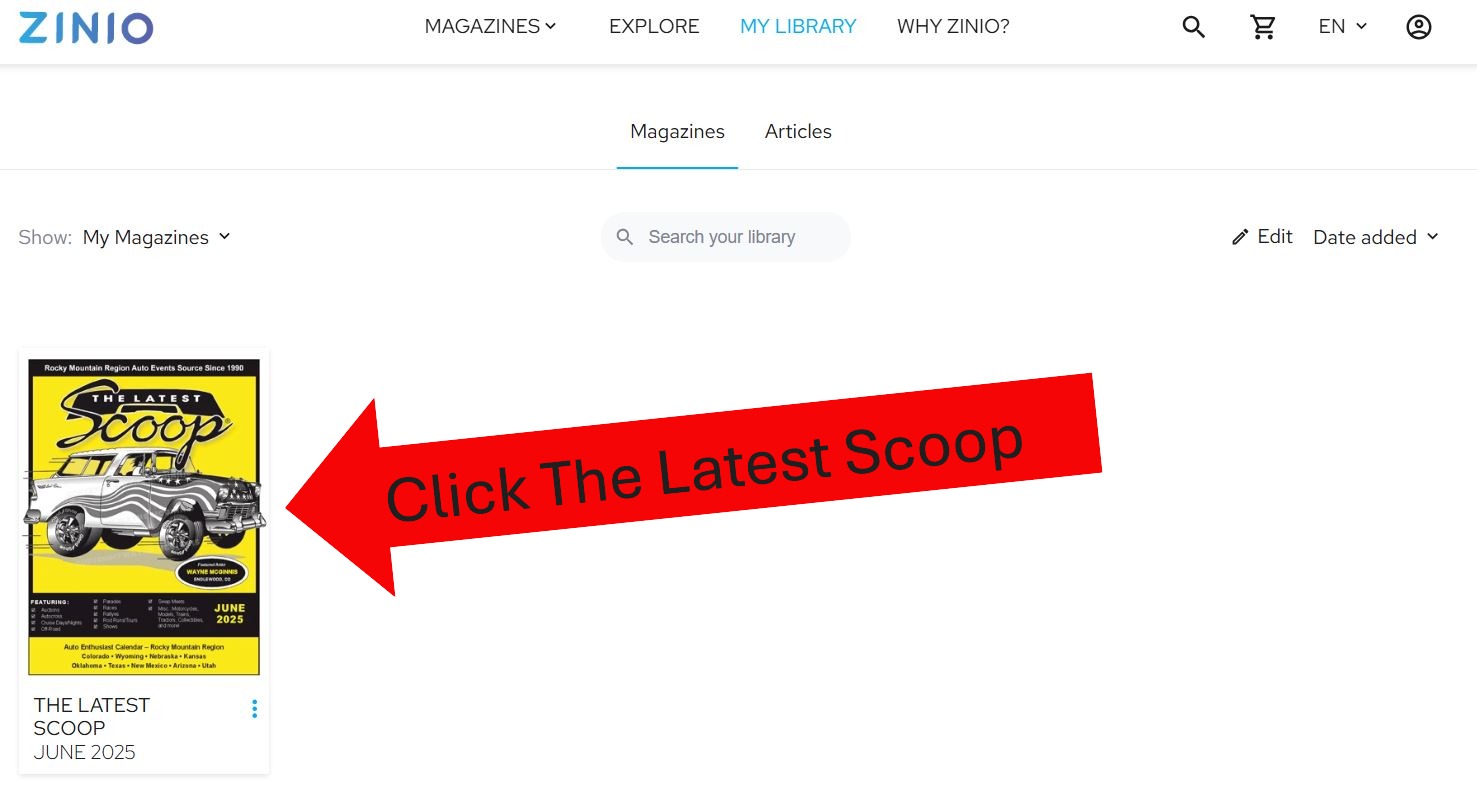
14. Click THE LATEST SCOOP®